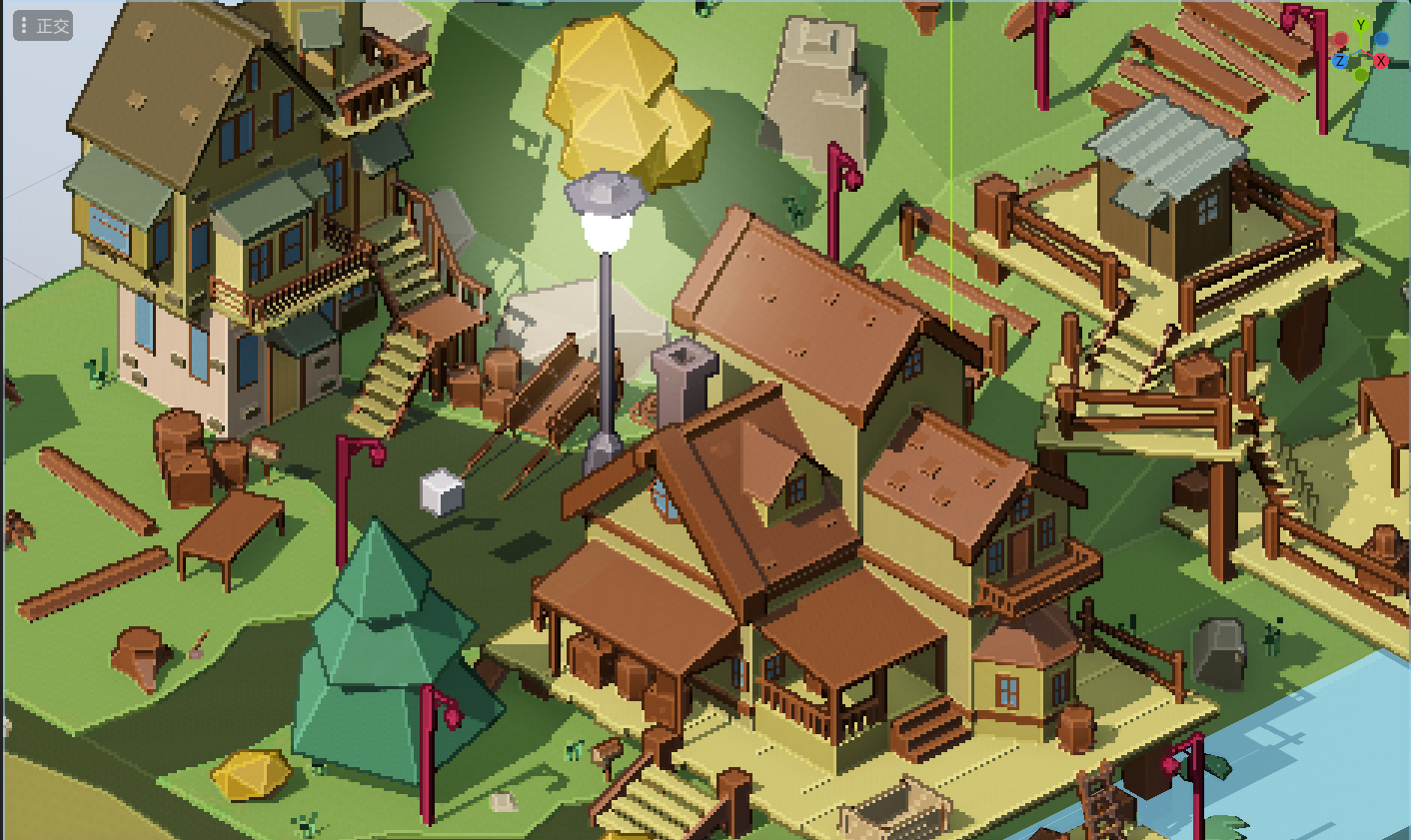
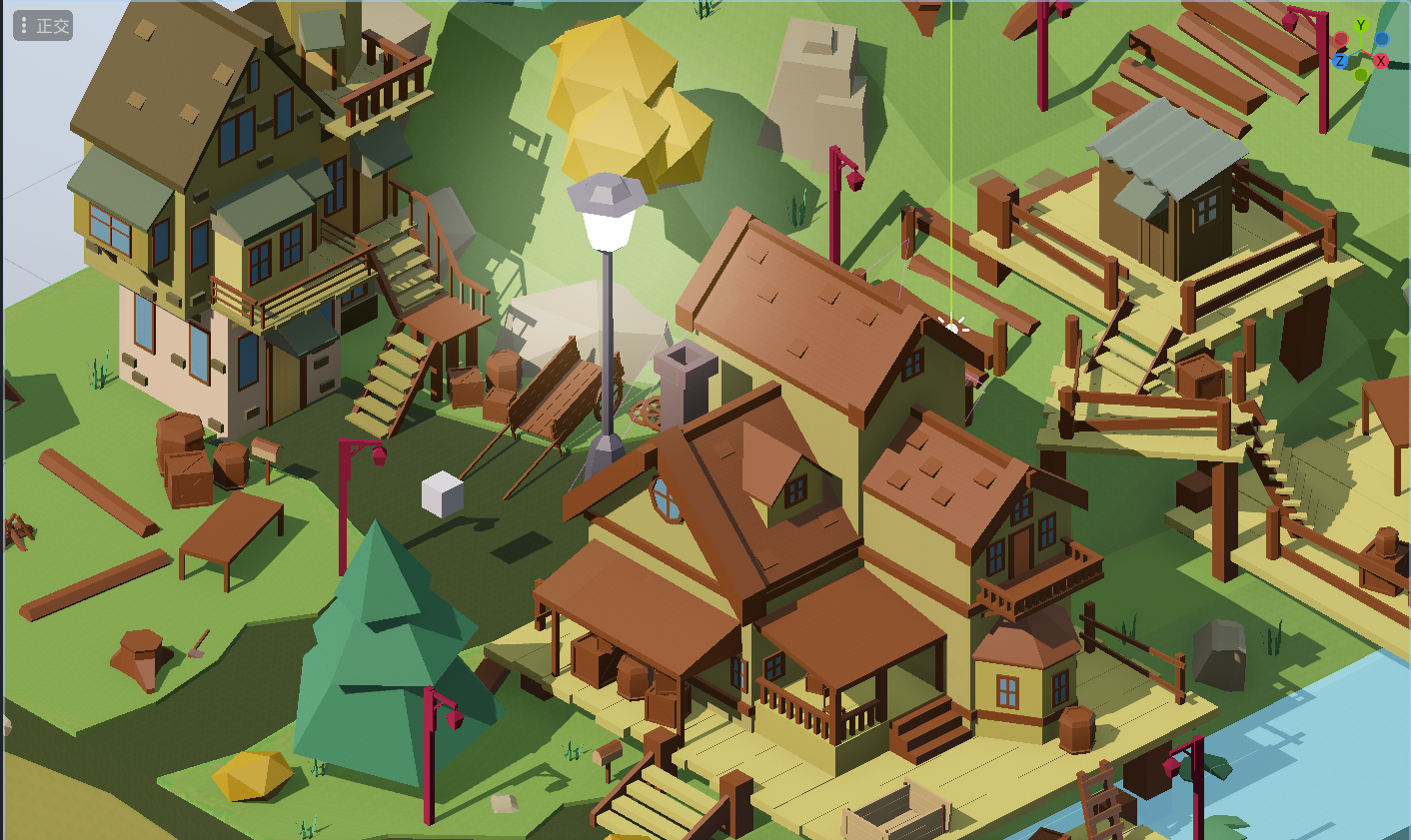
1
2
3
4
5
6
7
8
9
10
11
12
13
14
15
16
17
18
19
20
21
22
23
24
25
26
27
28
29
30
31
32
33
34
35
36
37
38
39
40
41
42
43
44
45
46
47
48
49
50
51
52
53
54
55
56
57
58
59
60
61
62
63
64
65
66
67
68
69
70
71
72
73
74
75
76
77
78
79
80
81
82
83
84
85
86
87
88
89
90
91
92
93
94
95
96
97
98
99
100
101
102
103
104
105
106
107
108
109
110
111
112
113
114
115
116
117
118
119
120
121
122
123
124
125
126
127
128
129
130
131
132
133
134
135
136
137
138
139
140
|
shader_type spatial;
render_mode unshaded;
uniform sampler2D SCREEN_TEXTURE: source_color, hint_screen_texture, filter_nearest;
uniform sampler2D DEPTH_TEXTURE : source_color, hint_depth_texture, filter_nearest;
uniform sampler2D NORMAL_TEXTURE: source_color, hint_normal_roughness_texture,filter_nearest;
uniform vec2 render_offset = vec2(0.0, 0.0);
uniform vec2 PIXEL_SIZE = vec2(4,4);
uniform float border_threshold:hint_range(0.0, 0.05, 0.0001) = 0.01;
uniform float inner_edge_threshold:hint_range(0.0, 1.0, 0.1) = 0.4;
varying vec2 screen_uv;
varying vec2 screen_size;
#define PER_PIXEL_UV (PIXEL_SIZE/screen_size) // 每个像素占据的UV
const mat3 Robert_Gx = mat3(vec3(0, 0, 0),vec3(0, 0, -1),vec3(0, 1, 0));
const mat3 Robert_Gy = mat3(vec3(0, 0, 0),vec3(0, -1, 0),vec3(0, 0, 1));
mat3 mat4_to_mat3(mat4 raw_mat){
return mat3(raw_mat[0].xyz, raw_mat[1].xyz, raw_mat[2].xyz);
}
vec2 get_pixelized_uv(){
return (floor((screen_uv * screen_size + render_offset) / PIXEL_SIZE)+vec2(0.5)) * PIXEL_SIZE / screen_size;
}
vec2 get_nearby_pixelized_uv(ivec2 offset){
return (floor((screen_uv * screen_size + render_offset) / PIXEL_SIZE)+vec2(0.5)+vec2(offset)) * PIXEL_SIZE / screen_size;
}
float get_depth(){
float depth = texture(DEPTH_TEXTURE, get_pixelized_uv()).x;
return depth;
}
float sample_nearby_depth(ivec2 offset) {
float depth = texture(DEPTH_TEXTURE, get_pixelized_uv() + vec2(offset)*PIXEL_SIZE/screen_size).x;
return depth;
}
vec2 get_nearest_pixel_uv(){
ivec2 local_closest_uv = ivec2(0,0);
for(int i=-1; i<=1; i++)
for(int j=-1; j<=1; j++)
if (sample_nearby_depth(ivec2(i, j)) < sample_nearby_depth(local_closest_uv))
local_closest_uv = ivec2(i,j);
return get_nearby_pixelized_uv(local_closest_uv);
}
mat3 handamard(mat3 mat_a, mat3 mat_b){
mat3 mat_r;
for (int i=0; i<=2; i++)
for(int j=0; j<=2; j++)
mat_r[i][j] = mat_a[i][j] * mat_b[i][j];
return mat_r;
}
float frobenius(mat3 matA, mat3 matB){
mat3 matR = handamard(matA, matB);
float r = 0.0;
for (int i=0; i<=2; i++)
for(int j=0; j<=2; j++)
r += matR[i][j];
return r;
}
bool is_outer_edge(float threshold){
mat3 nearby_pixels = mat3(0.0);
for(int i=-1; i<=1; i++)
for(int j=-1; j<=1; j++){
nearby_pixels[i+1][j+1] = texture(DEPTH_TEXTURE, get_pixelized_uv() + vec2(
PER_PIXEL_UV.x*(float(i)),
PER_PIXEL_UV.y*(float(j))
)).x;
}
float gradient = sqrt(pow(frobenius(Robert_Gx, nearby_pixels),2) + pow(frobenius(Robert_Gy, nearby_pixels),2));
if ((gradient > threshold))
return true;
else
return false;
}
bool is_inner_edge(float threshold){
mat3 nearby_normal_r = mat3(0.0);
mat3 nearby_normal_g = mat3(0.0);
mat3 nearby_normal_b = mat3(0.0);
for(int i=-1; i<=1; i++)
for(int j=-1; j<=1; j++){
vec3 nearby_normal = texture(NORMAL_TEXTURE, get_pixelized_uv() + vec2(
PER_PIXEL_UV.x*(float(i)),
PER_PIXEL_UV.y*(float(j))
)).rgb;
nearby_normal_r[i+1][j+1] = nearby_normal.r;
nearby_normal_g[i+1][j+1] = nearby_normal.g;
nearby_normal_b[i+1][j+1] = nearby_normal.b;
}
float gradient_r = sqrt(pow(frobenius(Robert_Gx, nearby_normal_r),2) + pow(frobenius(Robert_Gy, nearby_normal_r),2));
float gradient_g = sqrt(pow(frobenius(Robert_Gx, nearby_normal_g),2) + pow(frobenius(Robert_Gy, nearby_normal_g),2));
float gradient_b = sqrt(pow(frobenius(Robert_Gx, nearby_normal_b),2) + pow(frobenius(Robert_Gy, nearby_normal_b),2));
if ((gradient_r > threshold) || (gradient_g > threshold) || (gradient_b > threshold))
return true;
else
return false;
}
void vertex() {
POSITION = vec4(VERTEX, 1.0);}
void fragment() {
screen_uv = SCREEN_UV;
screen_size = VIEWPORT_SIZE;
if (is_outer_edge(border_threshold))
ALBEDO = texture(SCREEN_TEXTURE, get_nearest_pixel_uv()).rgb*0.3;
else if (is_inner_edge(inner_edge_threshold))
ALBEDO = clamp(texture(SCREEN_TEXTURE, get_pixelized_uv()).rgb*1.4,vec3(0),vec3(1));
else
ALBEDO = texture(SCREEN_TEXTURE, get_pixelized_uv()).rgb;
}
|